- Pr
- Ae
StemSplitter New
The Split Stems button you need.
Split a song into vocals, drums, bass, guitar, piano and other, right inside Premiere and After Effects.
One-time purchase, no subscription. Checkout, your license and downloads are handled by aescripts + aeplugins.
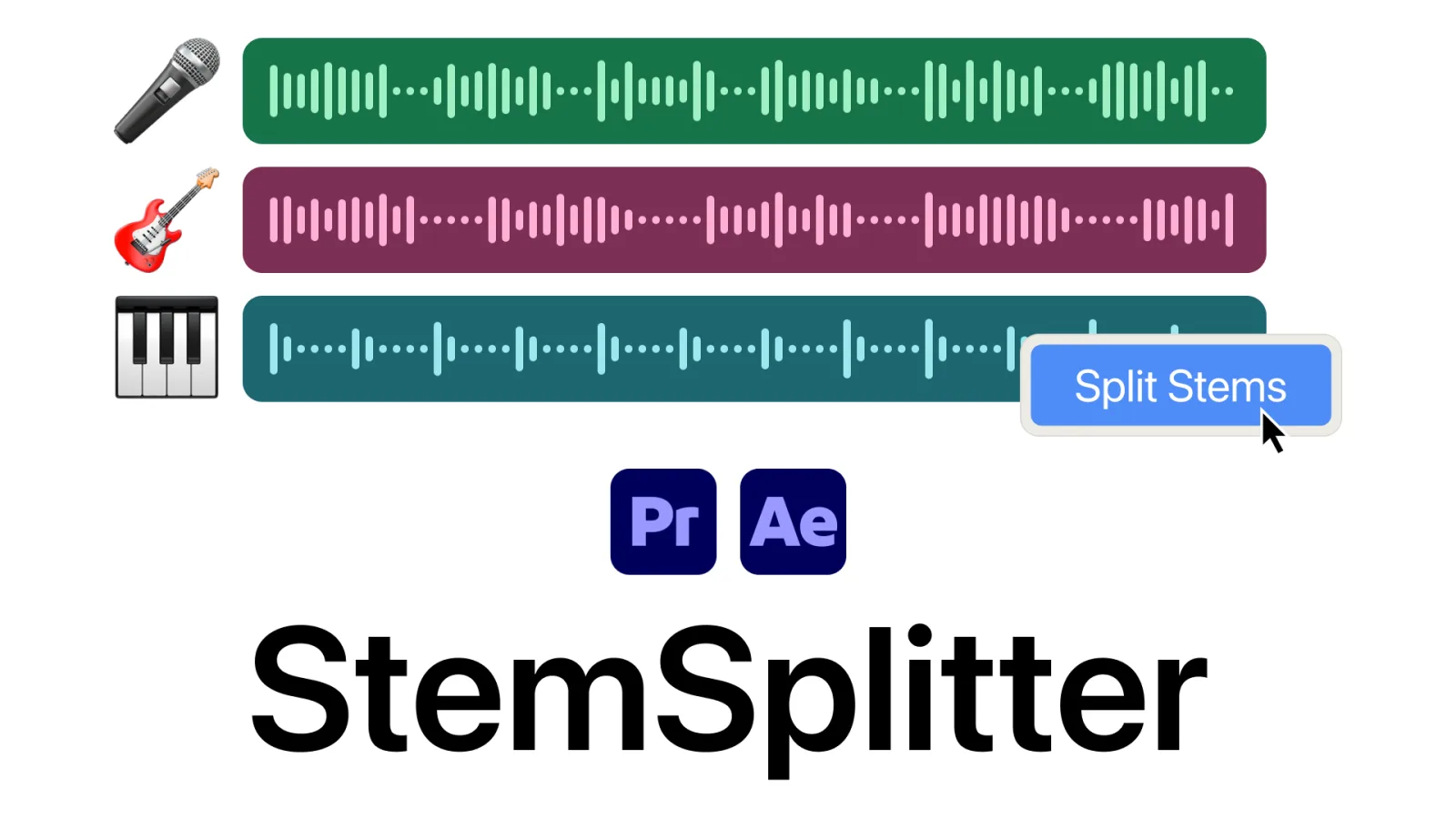
One click, six stems.
Select a song, click Split Stems, and six clips land under it on your timeline, lined up and ready to cut.
- A1song.wav
- A2Vocals
- A3Drums
- A4Bass
- A5Guitar
- A6Piano
- A7Other
How it compares
Six stems, without leaving your edit, uploading the song, or paying every month.
| StemSplitter | SoundXtract | Web splitters | Resolve Studio | |
|---|---|---|---|---|
| Six stems, six tracks Vocals, drums, bass, guitar, piano and other. | ✓ | 4 stems | Varies by site | 5 stems on one clip |
| Price | $99 once | $9.99 to $24.99 a month | Monthly or per minute | $295 A second editor |
| Inside Premiere and After Effects Split the clip on your timeline. | ✓ | Premiere only | Round trip in a browser | Separate editor |
| Audio stays on your computer Client and unreleased music is never uploaded. | ✓ | Not stated | Uploaded | ✓ |
| No clip limits Runs on your machine, so a split never costs extra. | ✓ | 10 to 30 clips a month | Plan limits | ✓ |
Pricing as of October 2026. Competitor product names are trademarks of their respective owners. Adobe, Premiere and After Effects are trademarks of Adobe; StemSplitter is not affiliated with Adobe.
Tutorial
Select your song, click Split Stems, listen to each stem, then do the same in After Effects. One minute.
New to stems? Read How to separate stems in Premiere Pro and After Effects, or How to make animation hit the kick drum in After Effects.
Frequently asked questions
Is my song uploaded anywhere?
No. StemSplitter runs on your computer, so client and unreleased music never leaves it, and there are no clip limits or credits.
What happens to the original clip?
It stays where it was, switched off, not deleted. The six stems land on the tracks below it in Premiere, or as six layers under it in After Effects, lined up with the original.
Do I need VocalSplitter too?
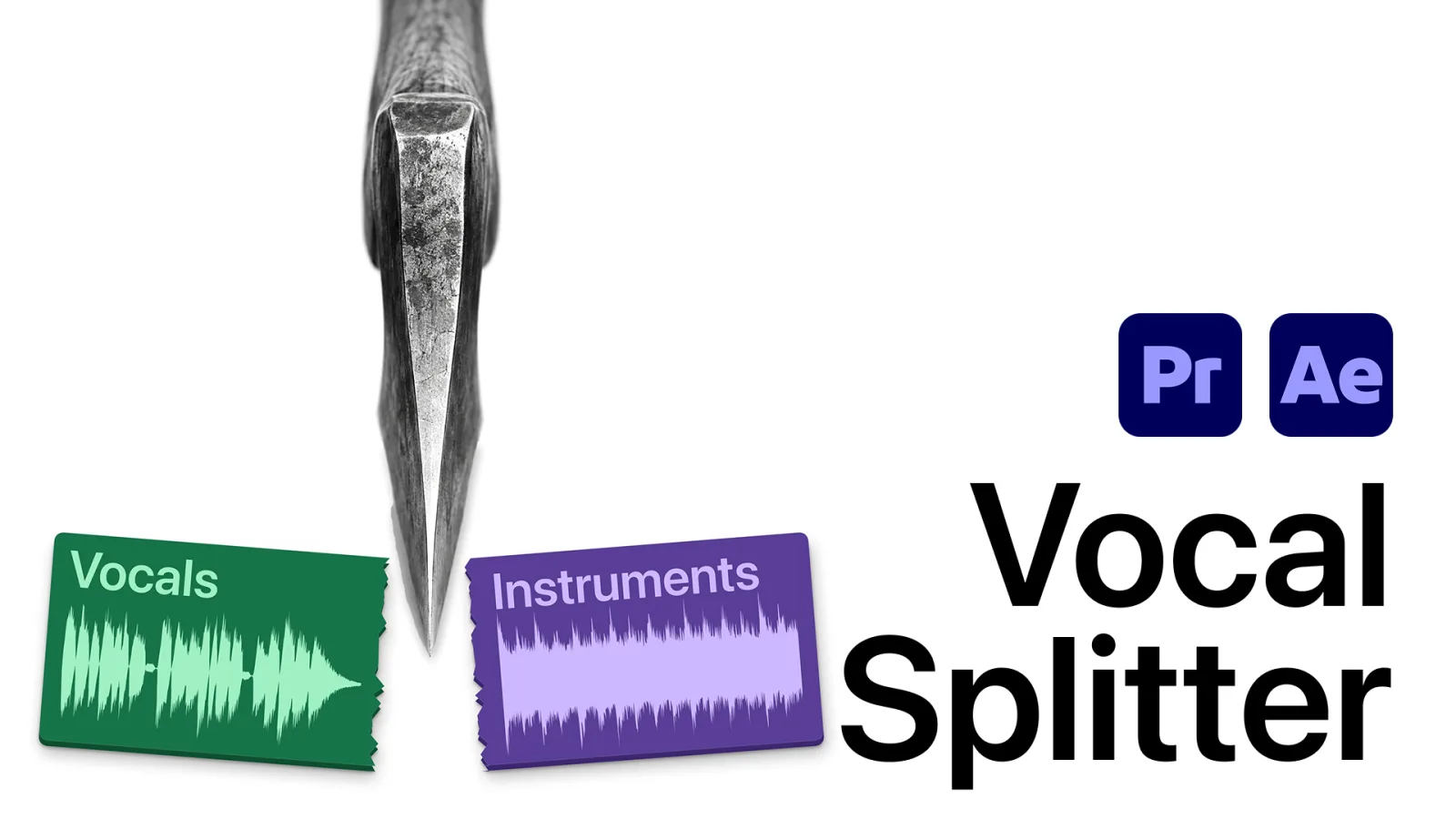
No. StemSplitter's six stems include Vocals. VocalSplitter is the simpler, cheaper tool if all you need is the singer and the music on two clips.
Does splitting a song clear it for use?
No. The stems are still the original recording as far as copyright goes. You need the same rights to publish them as you would for the full song.
Is there a free trial?
Yes. Click Try it free to get the trial from aescripts + aeplugins.
How do I install it?
With the free aescripts + aeplugins Manager app: one click installs the extension and keeps it up to date. Step-by-step setup is in the PDF that comes with your download.
StemSplitter
Every instrument on its own track.
Works in Premiere Pro and After Effects 2020 to 2027.