- Pr
- Ae
Vanish BG
Remove backgrounds without leaving your editor.
Lossless quality. In seconds. Right on your timeline in Premiere Pro and After Effects.
$39 once
One-time purchase, no subscription. Checkout, your license and downloads are handled by aescripts + aeplugins.
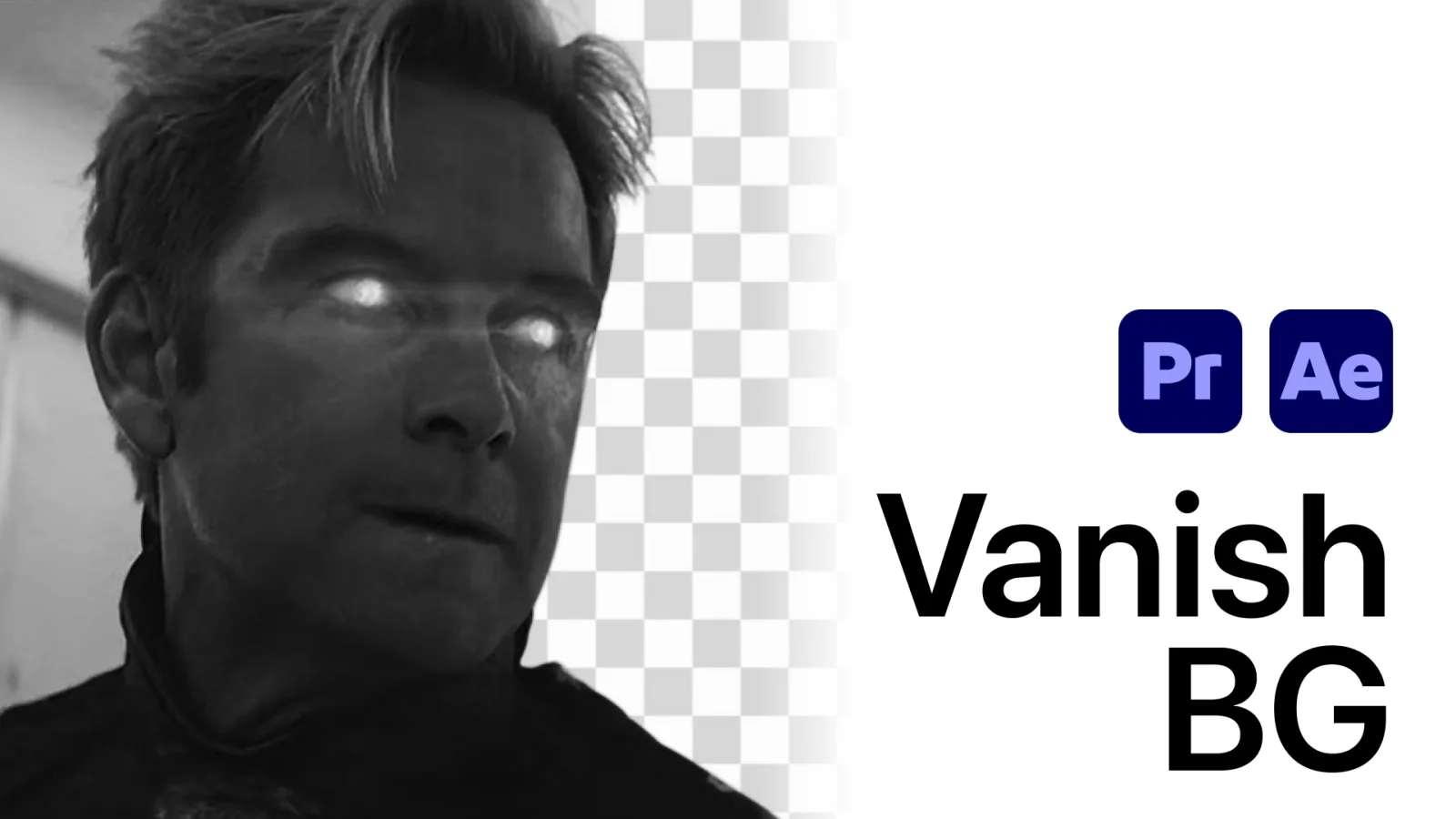
A photo needs its background gone. So you stop.
You save, jump to Photoshop, mask it by hand, export, drag it back into your bin and re-link the timeline.
Or you upload it to remove.bg, pay per image, and get a downsampled file back that no longer matches your edit.
There's a better way to do this, and it never leaves your timeline.
One click. Background gone.
Vanish BG processes any image clip on your timeline in seconds. No uploads. No round trips. No quality loss.
Replace in place
Swap the timeline clip with the cut-out version. The edit keeps rolling.
Export to bin
Drop the processed image into your project panel for reuse.
.jpg .jpeg .png .webp
Works with every common image format you actually use.
How it compares
Save hours of going back and forth between apps and uploads.
| Vanish BG | remove.bg | |
|---|---|---|
| On the timeline No exporting, uploading or re-importing. | ✓ | Browser upload |
| Original quality Full resolution, no downsampling. | ✓ | Pay per image for HD |
| Export directly to bin The processed image lands in your project panel, ready to use. | ✓ | Manual import |
| One-time price No subscription, no per-image fees. | $39 | Pay per image |
Pricing as of publication. Competitor product names are trademarks of their respective owners. Adobe, Premiere and After Effects are trademarks of Adobe; Vanish BG is not affiliated with Adobe.
Why editors trust Vanish BG
Stays in your timeline
No bouncing to Photoshop. No browser uploads. Process an image clip and the background is gone.
Lossless quality
Keeps the original resolution your client signed off on. No surprise downsampling between web preview and HD output.
Replace or send to bin
Swap the cut-out clip in place, or drop it into your project panel for reuse across sequences. Your call, every time.
Pay once, not per image
No credits. No quotas. No "oops, I went over the plan." One-time purchase, unlimited cut-outs.
Your footage never leaves your machine
No cloud upload, no third-party server seeing your client's images. Safe for embargoed campaigns and NDA work.
No subscription. No credits.
remove.bg charges you per image. Photoshop charges you monthly. Vanish BG is $39 once, for unlimited cut-outs.
30-day money-back guarantee. Use Vanish BG on your next project. If it doesn't save you a trip to Photoshop, ask for a full refund. No questions. No hoops.
Tutorial
Read How to remove the background from an image in Premiere Pro: Ultra Key, Object Mask and the Photoshop round trip compared.
Frequently asked questions
What versions does it support?
Premiere Pro and After Effects, CC 2022 and newer, on Mac and Windows.
Does it run locally?
Yes. The AI background removal runs on your machine, so your images are never uploaded to a third-party server. The license needs an internet connection to activate the first time.
Which image formats does it take?
.jpg, .jpeg, .png and .webp.
Is there a free trial?
Yes. Click Try it free to get the trial from aescripts + aeplugins.
How do I install it?
With the free aescripts + aeplugins Manager app: one click installs the extension and keeps it up to date. Step-by-step setup is in the PDF that comes with your download.
Vanish BG
Backgrounds, gone.
$39 once
Works in Premiere Pro and After Effects CC 2022 or later, on Mac and Windows. Images: .jpg, .jpeg, .png, .webp.